
How to install Kokoro Mobile
Kokoro Mobile holds the games and tasks. You install it from an invitation email and sign in with the account the research team gave you.
Steps
- Find your invitation email. After the research team gives you access, you are sent an email with an Install link. It may come from Firebase App Distribution or from the research team. If you cannot see it, check your spam or junk folder. Open it on your phone.
- Tap the install link. If you are asked to sign in with Google, use the same email address the invitation was sent to. Then tap Download. The app file is saved to your phone.
- Allow the install. Android may ask whether your browser may install apps, and may warn that the app did not come from the Play Store. That is expected: the study app is sent directly to participants. Allow it for this install, then tap Install (or Install anyway if you see a warning).
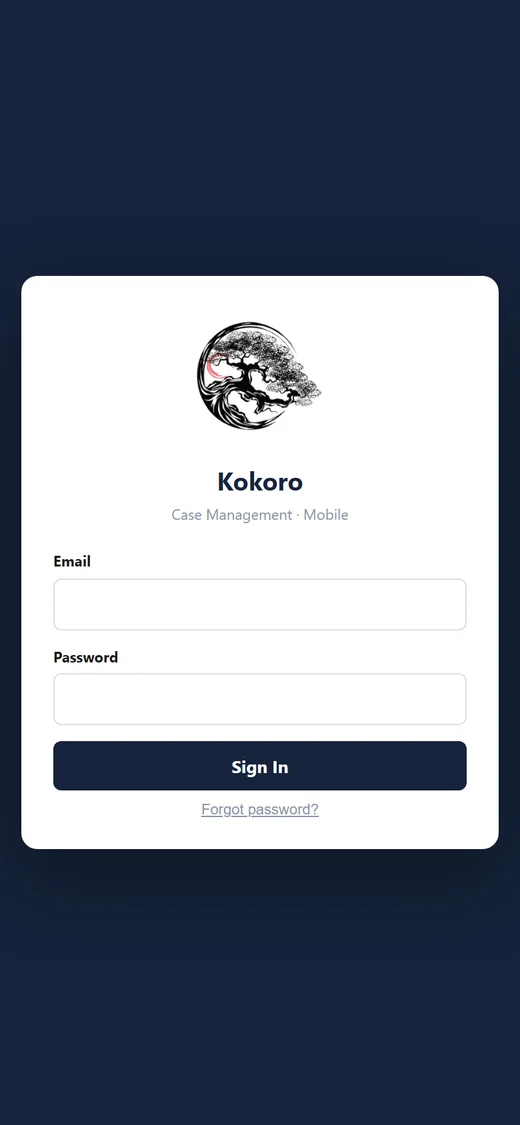
- Open Kokoro Mobile and sign in. If you registered on this website, your sign-in is the email address you registered with, and the first time you choose your own password: tap Forgot password? on the sign-in screen, enter that email address, and follow the email you receive (check your spam folder). Otherwise use the email address and password the research team gave you.
- Read the consent information and choose. The app shows the study information. You can agree to take part in the research, or decline and simply play. You can change your mind later in Settings. The same information is on our privacy and consent page.
- Play. Open the Games tab to choose a game. Each session takes about 3–5 minutes.
Updates
When there is a new version you will get an email with an Update link. Tap it and install as before. The new version installs over the old one and keeps your progress.
If something goes wrong
I cannot find the invitation email
Check spam or junk, and check the address you gave the research team. Access is set up by the team, so if it has been a while, write to us and we will send it again.
It says the app cannot be installed, or the install is blocked
Open your phone’s settings and allow your browser (or the app you opened the link from) to install apps for now, then tap the link again. Make sure there is enough free storage on the phone.
My email or password is not accepted
Check for extra spaces or capital letters, then tap Forgot password? to set a new one. If that does not work, write to us.
I do not have an Android phone
Kokoro Mobile is currently only available for Android. Write to us and we will let you know when that changes.
Need a hand?
Write to consent@kokoro-research.com and tell us what you see on screen.